
Best Free Tools to Protect Your Online Privacy
In a world where data is the new currency, protecting your online privacy is more important than ever. Fortunately, there are excellent free tools that deliver real‑value in safeguarding your personal information, browsing habits and digital identity. Below are some of the best no‑cost tools you can start using today to stay more private online.
✅ Top Free Protect‑Your‑Privacy Tools
1. Tor Browser

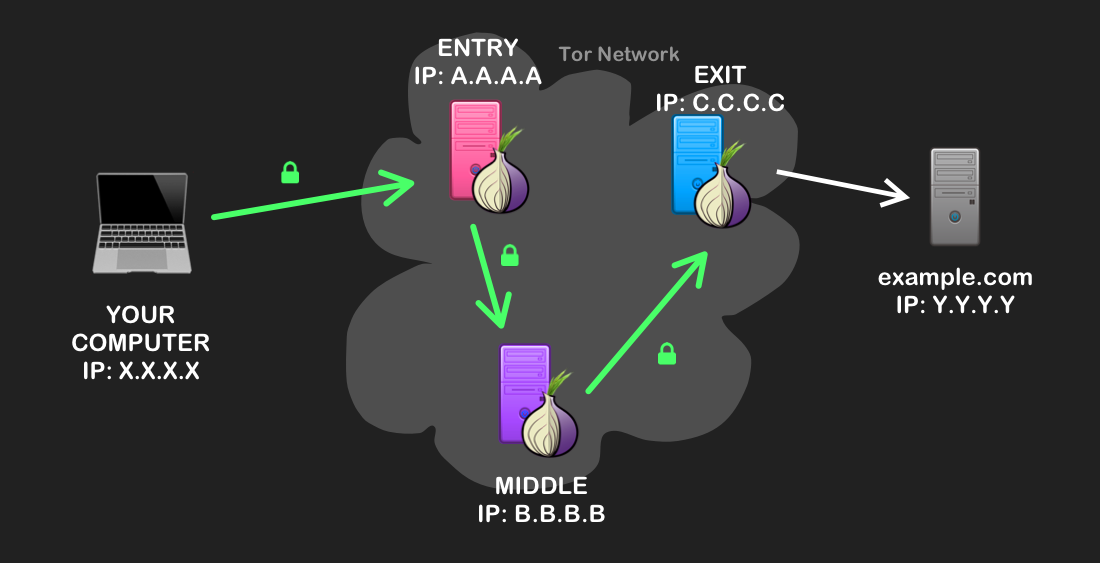

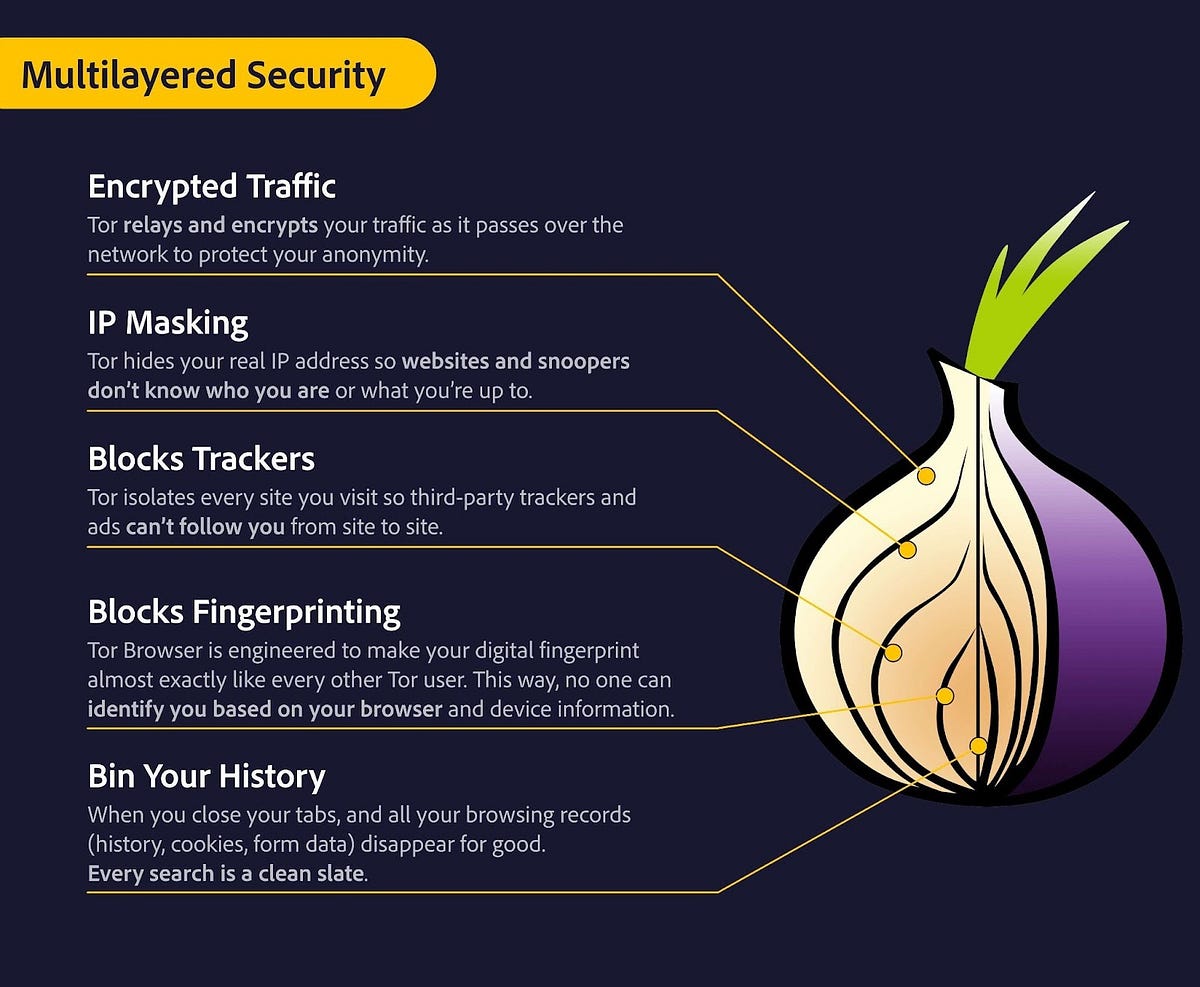
What it is: A free open‑source browser that routes your web traffic through multiple relays (onion routing), anonymizing your IP and hiding your browsing activity. (Vikipedi)
Why it helps: It significantly reduces the ability of websites, ISPs or advertisers to trace your online behaviour back to you.
Best for: Users who want strong anonymity, decentralised routing and minimal digital footprint.
2. Privacy Badger

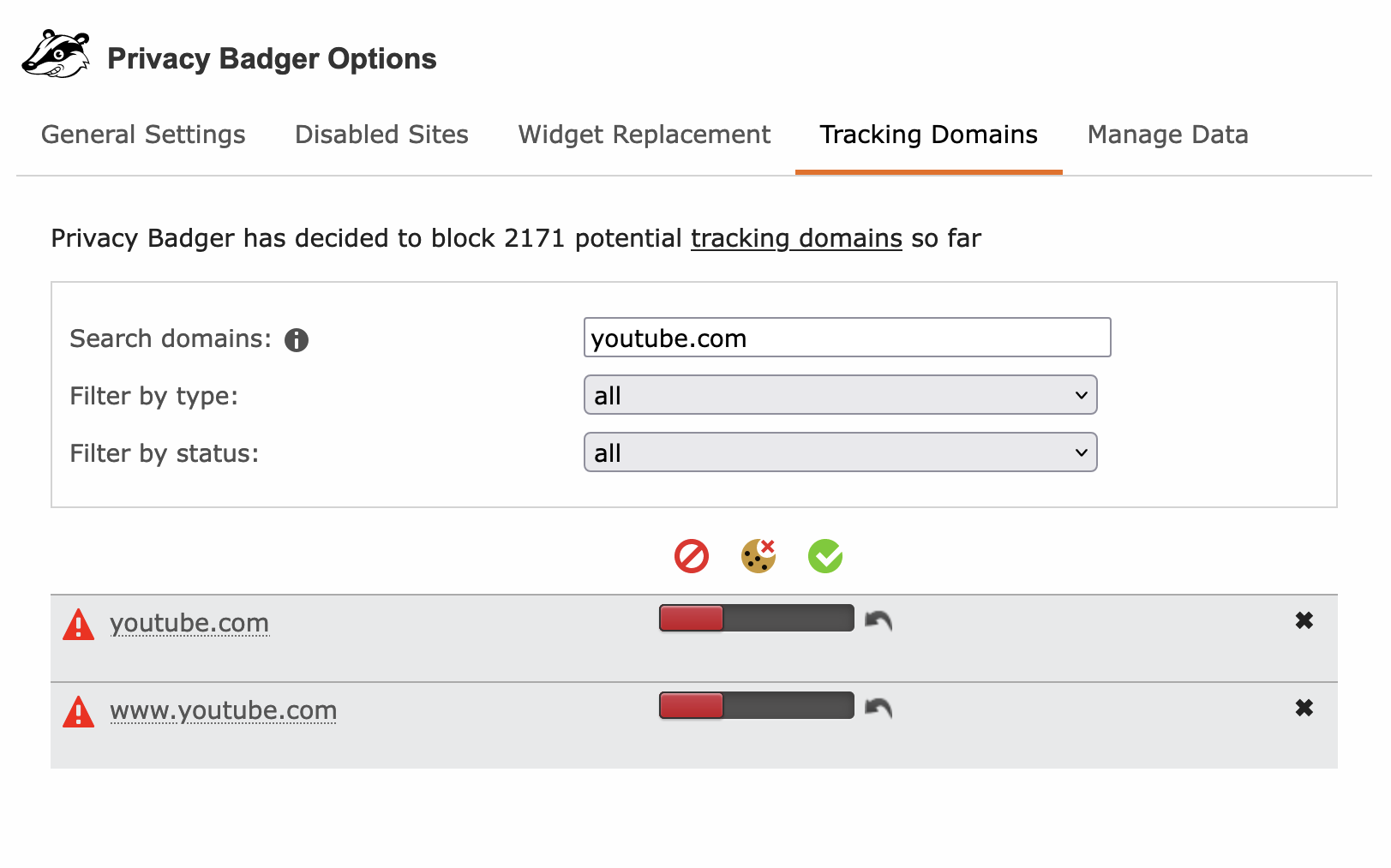
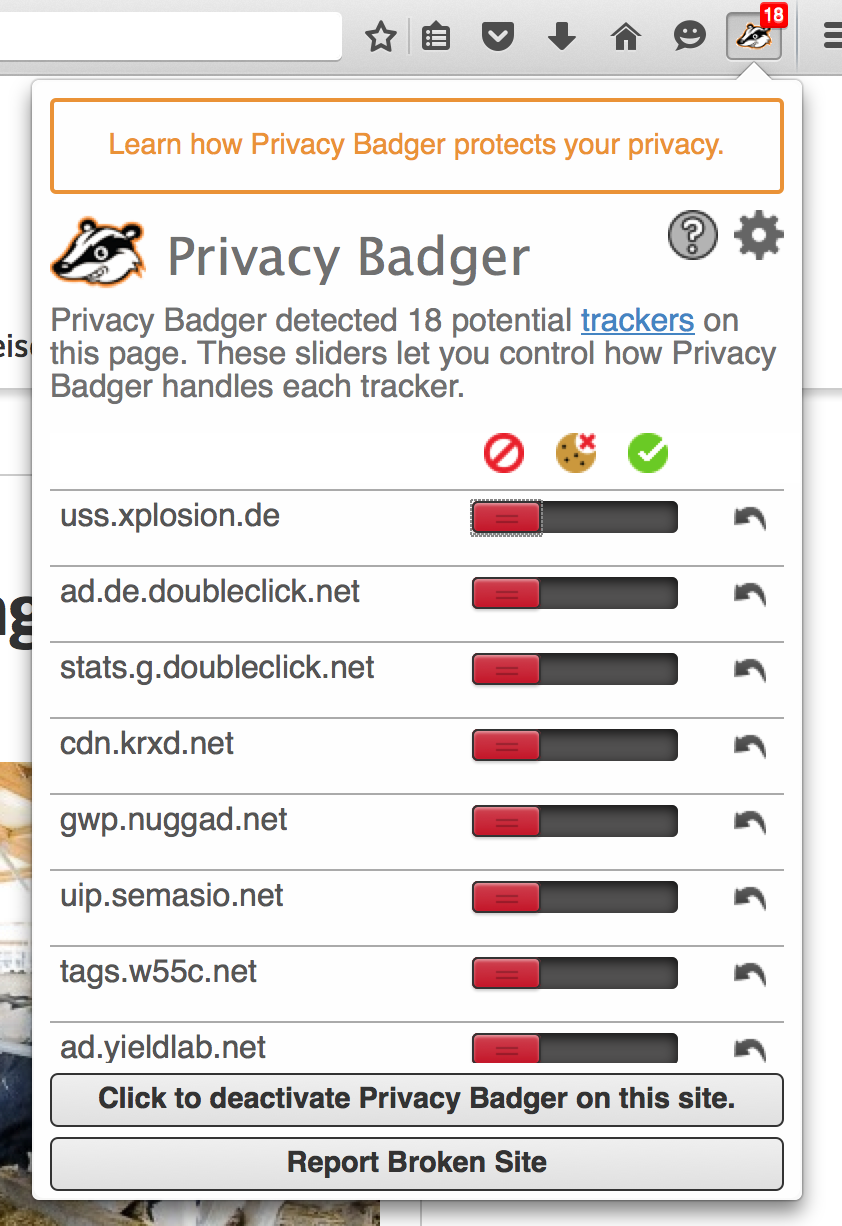
What it is: A free browser extension created by the Electronic Frontier Foundation (EFF) that automatically blocks trackers and cookies which follow you around the web. (Vikipedi)
Why it helps: Many sites embed trackers that monitor your browsing across multiple domains. Privacy Badger makes this harder.
Best for: Anyone browsing the web regularly who wants to block invisible tracking without complex setup.
3. uBlock Origin


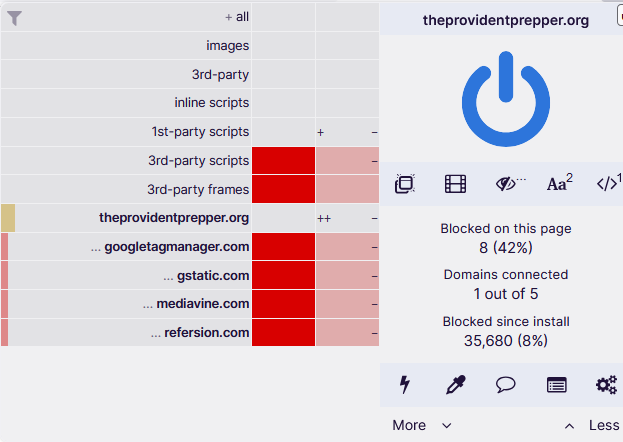
What it is: A free, open‑source browser extension that blocks ads, trackers and other unwanted content. Available for Chrome, Firefox and other Chromium‑based browsers. (Vikipedi)
Why it helps: Ads and trackers often load scripts or request resources that compromise your privacy. Blocking them reduces your digital exposure and speeds up browsing.
Best for: Users who want cleaner, faster web browsing and fewer tracking elements.
4. DuckDuckGo (Search Engine & Browser/Extension)
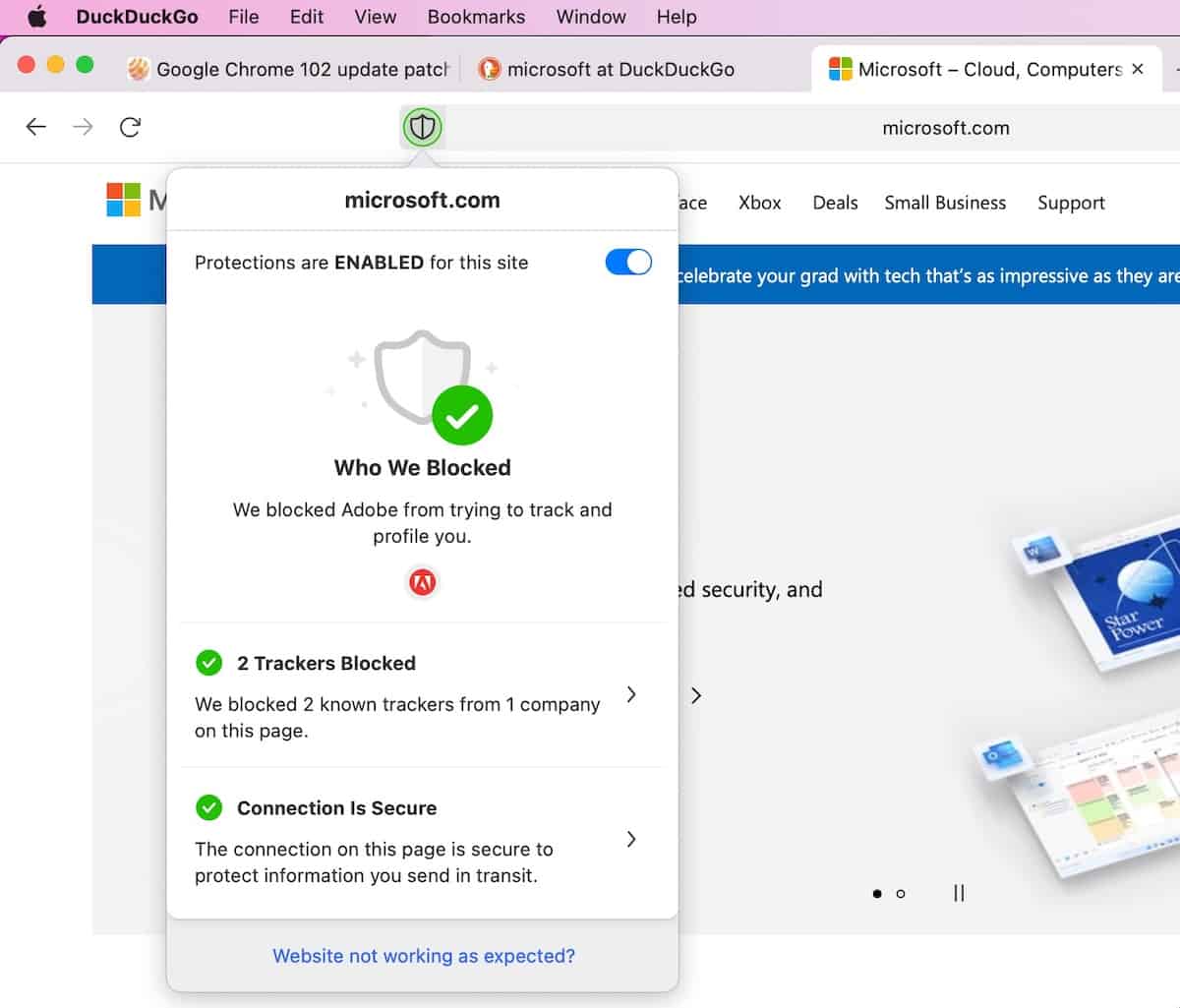
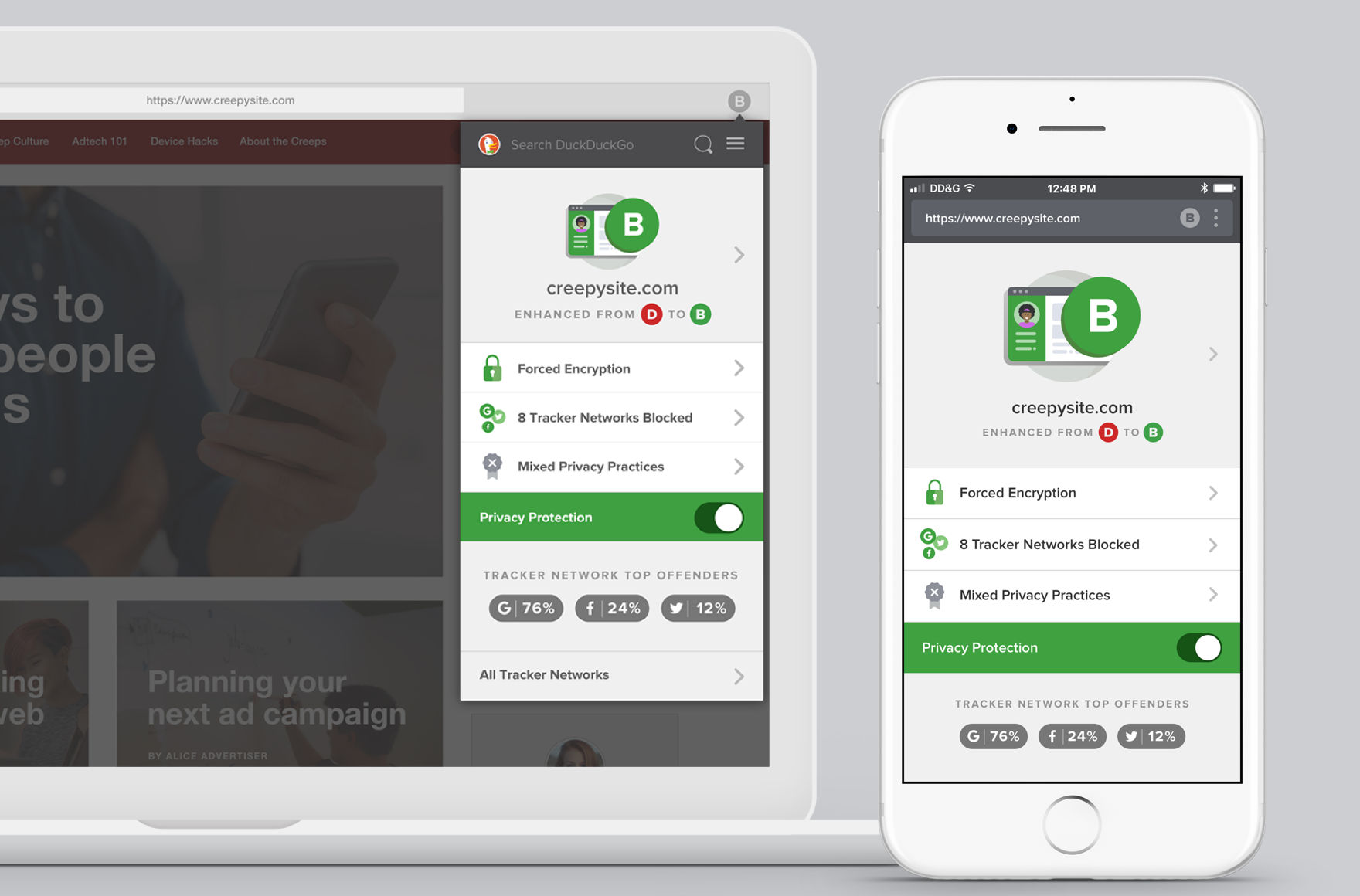
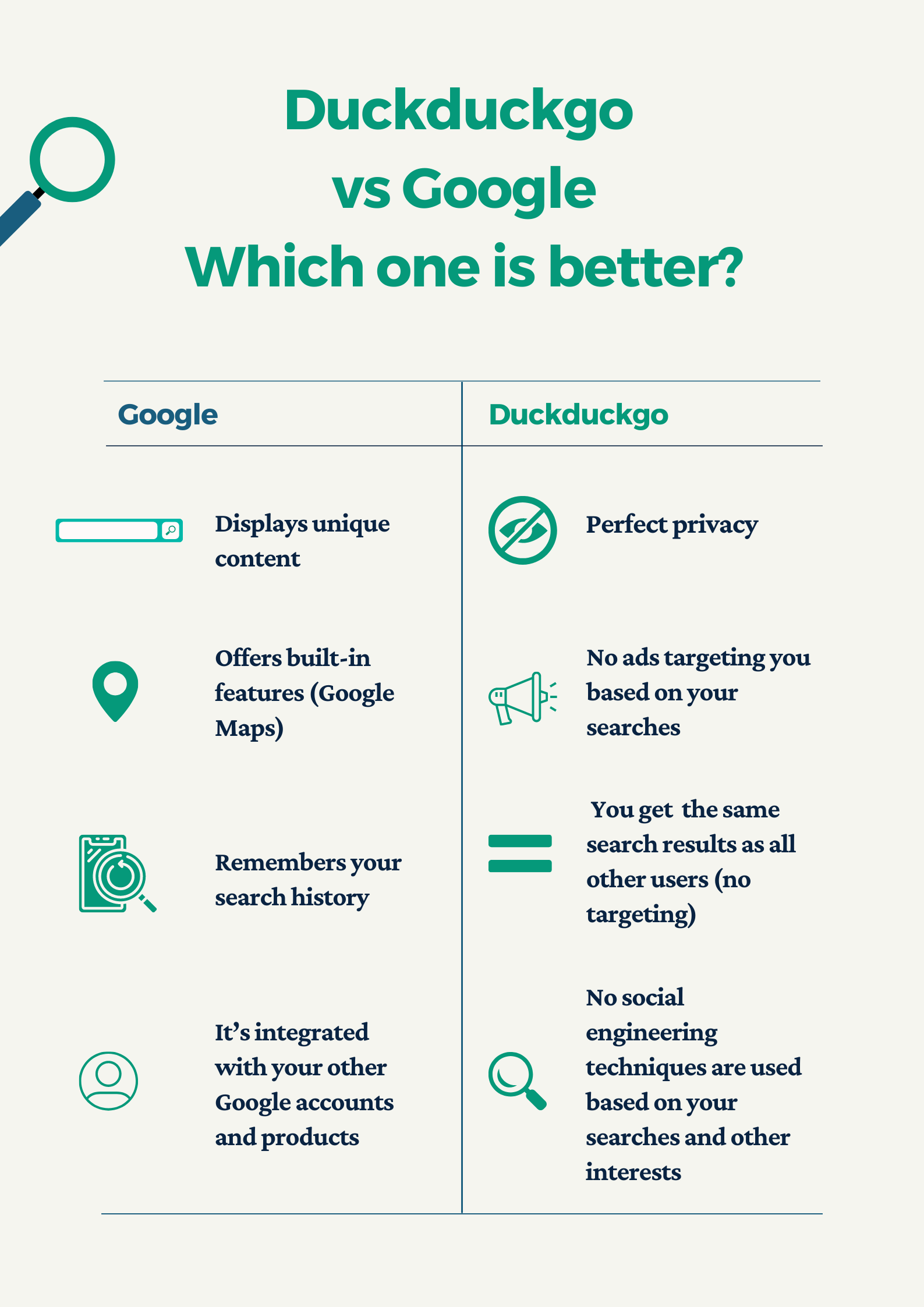
What it is: A search engine and browser/extension that doesn’t track your searches or store your personal search history. (Lifewire)
Why it helps: Search engines often collect data about you and your queries; DuckDuckGo avoids this, giving you more privacy by default.
Best for: Anyone looking for a private alternative to major search providers like Google.
5. Bitwarden (Free Password Manager)
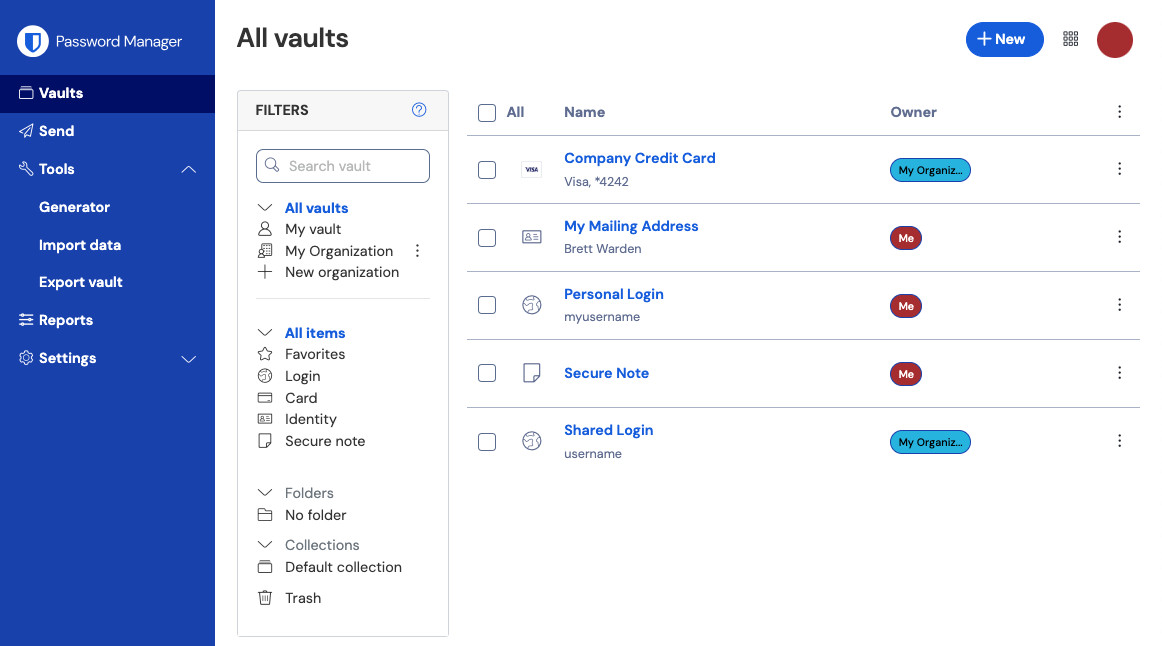


What it is: A free (core) version of an open‑source password manager that securely stores your passwords, generates strong new ones, and autofills logins across devices. (Analitik Bakış)
Why it helps: Weak or reused passwords are one of the biggest privacy/security risks. Using a manager strengthens one’s entire online presence.
Best for: Everyone — especially those with dozens of online accounts and those who want to improve their password hygiene.
🧭 How to Choose & Use These Tools Wisely
- Define your threat model: What are you protecting against? Advertisers? Hackers? Government surveillance? Choose tools accordingly.
- Use a layered approach: No single tool is sufficient. Combine browser extensions (uBlock, Privacy Badger), a private browser (Tor or DuckDuckGo), and a password manager.
- Beware free = limited: “Free” tools often have paid tiers. Make sure the free tier meets your needs before relying solely on it.
- Check data‑policies: Even free tools can collect data. Choose ones with transparent privacy policies and preferably open‑source code.
- Stay updated: Privacy threats evolve. Regularly update these tools and keep an eye on new offerings.
- Mind usability: Some privacy tools (like Tor) may slow down your browsing or restrict certain sites. Decide what trade‑offs you’re willing to accept.
🌍 Why This Matters
Every click, search and login reveals information about you. Advertisers, data brokers and malicious actors all collect data from your online activity. Using free tools to reduce tracking, hide your identity and manage credentials is not just about hiding — it’s about taking control of your digital life.